Preferences
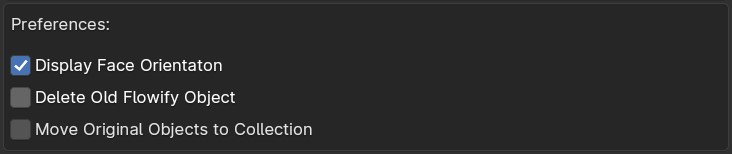
Display Face Orientation
When running the Flowify operation, this will automatically switch the viewport to Face Orientation mode so that you can check that the blue positive face orientation of the Source Grid matches the face orientation of the Target Surface. Both matching sides should be blue.

Good and bad face orientations. Both matching sides of the source and the target surface objects should be blue for the add-on to work correctly. Red faces denote inverted faces.
Delete old Flowify Object
When enabled the add-on will always delete the old Flowify object of the same name whilst running. If disabled the original object is retained.
Move Original Objects to Collection
Move the original set up objects into their own Flowify collection when the add-on is run so you can quickly show/hide the original objects.